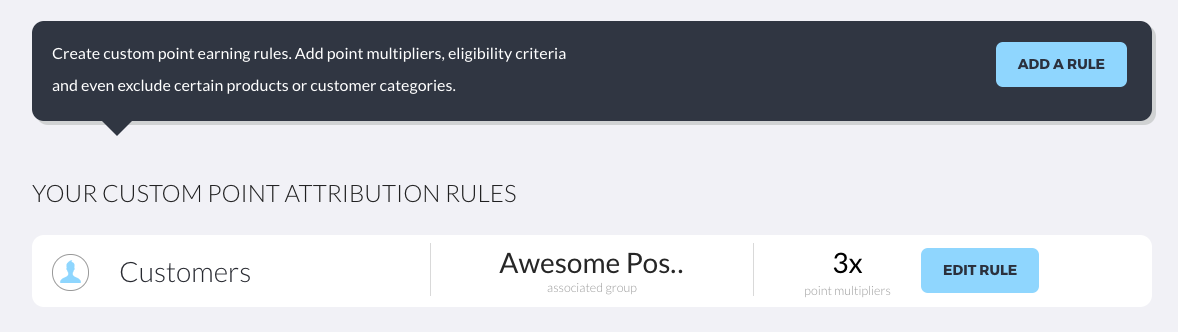
Delete earning rule. Delete points multiplier. Stop double-points. Stop points multiplier.
To stop a custom earning rule and revert to the default $1 = 1 point, you simply Delete the earning rule. Here's how:
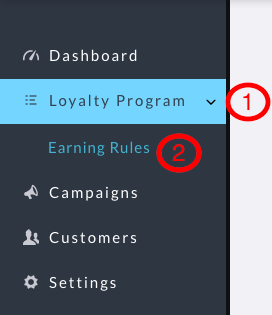
1. Navigate to the Earning Rules screen
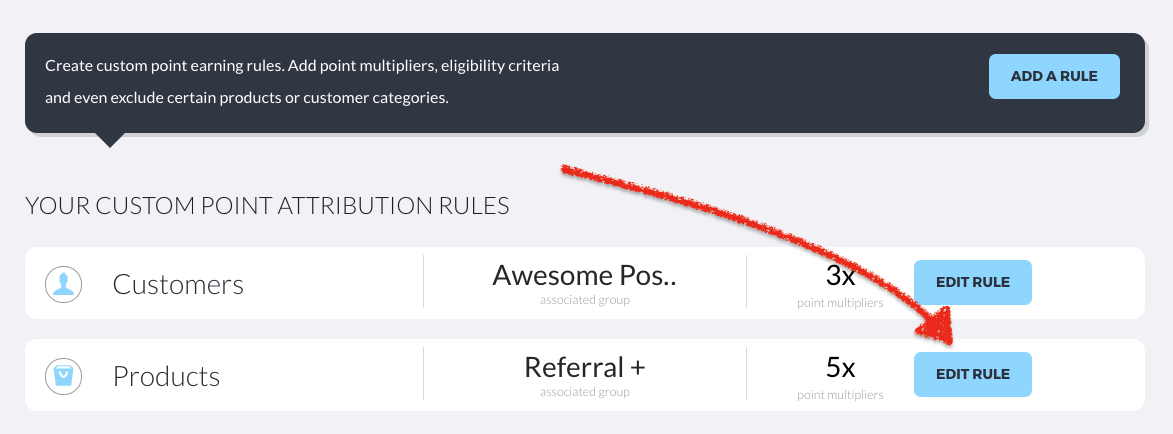
2. Click the Edit Rule button next to the rule that you want to remove / stop
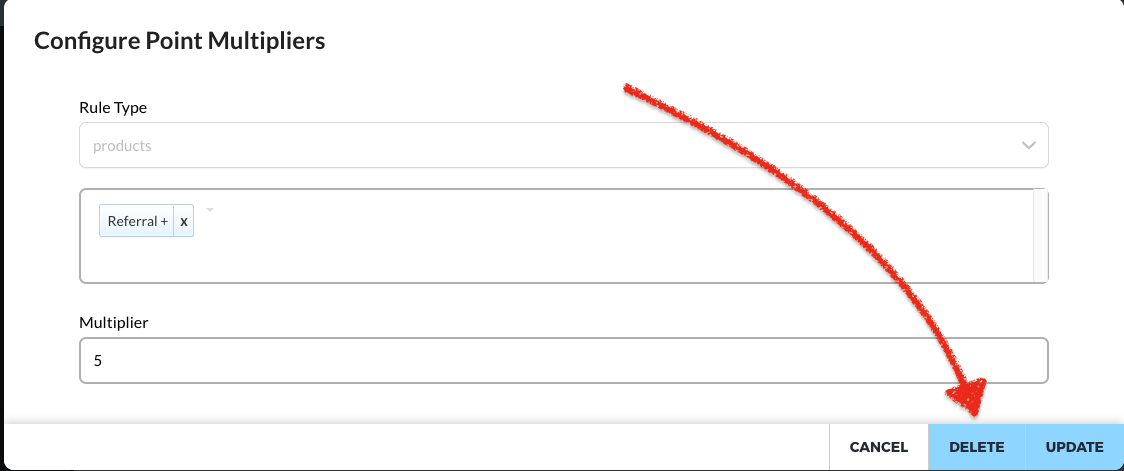
3. On the details screen that opens up, simply click "Delete"
4. Done. You are returned to the main Earning Rules screen with the rule having been removed